
Technologies
Video Management Systems
A video management system brings cameras, recording, live viewing, playback, analytics and system administration into one operational environment. How the platform is configured and integrated determines how reliably video is recorded, how efficiently operators work and how easily incidents can be investigated.
Pacific Video Solutions provides independent consulting, assessment and troubleshooting for professional VMS environments, covering platform configuration, recording behavior, client performance, integrations and the infrastructure supporting them.
Platform Configuration
Configuration that supports reliable operation
Reliable VMS operation depends on more than adding cameras and assigning storage. Device integration, recording settings, permissions, licensing and server roles all influence how the platform behaves. We help teams evaluate these dependencies against their operational requirements.
Recording and Retention
Recording you can rely on when footage is needed
A camera appearing online does not confirm that usable footage is being recorded and retained as intended. Recording schedules, motion and analytic triggers, storage allocation and retention policies must work together to meet operational requirements.
We help investigate recording gaps, unexpected retention, missing footage and differences between configured settings and actual recording behavior.
- Continuous, scheduled and event based recording
- Motion and analytics recording triggers
- Recording stream selection and quality
- Recording before and after an event
- Storage allocation and retention policies
- Archive grooming and video aging
- Edge recording and footage recovery where supported
- Recording failover and recovery behavior
- Timestamp consistency and playback alignment
Live View and Investigation
A VMS needs to work for the people using it
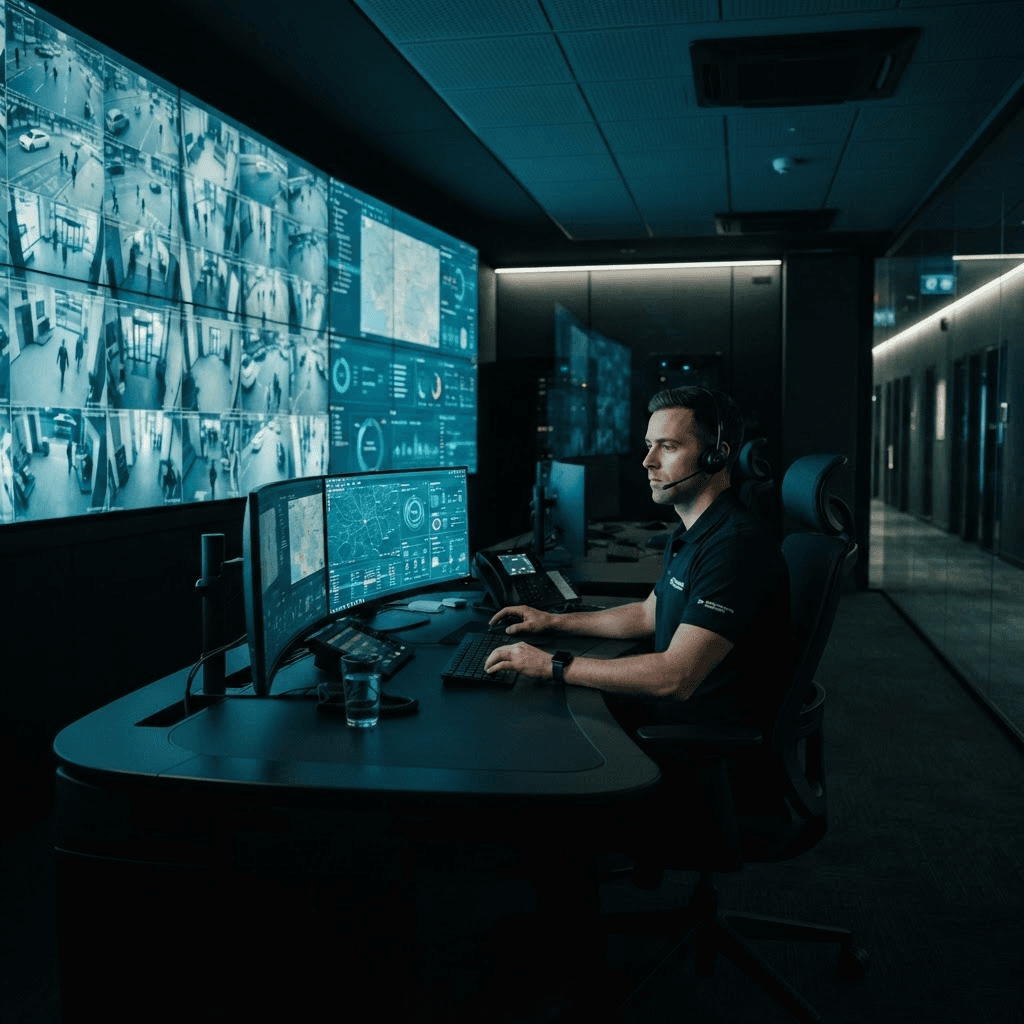
Operators depend on responsive live video, reliable playback and efficient access to recorded footage. Slow clients, delayed streams, inconsistent layouts and difficult exports can undermine an otherwise functional system.
We evaluate how VMS configuration, workstation resources, stream selection and network performance affect everyday use.
- Live viewing and stream switching
- Playback responsiveness and timeline navigation
- Synchronized playback across cameras
- Video search and incident review
- Footage export and verification
- PTZ control and camera interaction
- Client layouts and saved views
- Multiple monitors and video wall clients
- GPU decoding and concurrent stream performance
- Permissions affecting viewing, playback and export
Events and Integrations
Turning system events into useful operator actions
Camera events and analytic detections only become useful when the VMS receives, interprets and acts on them correctly. An event may appear at the camera but fail to generate the expected alarm, recording action or operator notification.
We help evaluate event delivery, rule configuration and integration behavior across cameras, VMS platforms and connected systems. Available functions depend on the platform, licensing and integration method.
Availability and Growth
Keeping the platform manageable as systems expand
Additional cameras, recording servers, users and sites introduce new dependencies. A VMS that performs well at one scale may need changes to its architecture, licensing or configuration as operational demands grow. We help teams assess server roles, failover arrangements, configuration consistency and upgrade paths so the platform remains reliable and manageable.
- Multiple recording and management servers
- Centralized management and site federation where supported
- Recording failover and service recovery
- Licensing dependencies and capacity
- Configuration consistency across sites
- Upgrade sequencing and compatibility
- Backup and recovery procedures
- Expansion and migration planning
Independent Technical Support
Support across the VMS and the systems behind it
VMS issues can originate in the software, connected devices, network, storage or operator workstations. We examine how these components interact to distinguish platform configuration problems from infrastructure limitations and integration faults.
Our IP Video Systems Troubleshooting service investigates existing faults. Professional Video Systems Consulting supports architecture, configuration and upgrade decisions. Video System Assessments provide a structured review of the deployment and its operational requirements.